


Alert 1 of 0
See all alerts
Branch Closure
Branch Closure Icon

All Jeanne D’Arc Credit Union locations will be closing at 2PM on Thursday, December 24th in observance of Christmas Eve and will remain closed on Friday, December 25th in observance of Christmas Day. ... Read more

Branch Closure
Branch Closure Icon

All Jeanne D’Arc Credit Union locations will be closed on Thursday, November 26th in observance of Thanksgiving.

Branch Closure
Branch Closure Icon

All Jeanne D’Arc Credit Union locations will be closed on Wednesday, November 11th in observance of Veterans Day.

Branch Closure
Branch Closure Icon

All Jeanne D’Arc Credit Union locations will be closed on Monday, October 12th in observance of Columbus Day.

Branch Closure
Branch Closure Icon

All Jeanne D’Arc Credit Union locations will be closed on Monday, September 7th in observance of Labor Day.

Branch Closure
Branch Closure Icon

All Jeanne D’Arc Credit Union locations will be closed on Saturday, July 4th in observance of Independence Day.

Branch Closure
Branch Closure Icon

All Jeanne D’Arc Credit Union locations will be closed on Friday, June 19th in observance of Juneteenth.

Branch Closure
Branch Closure Icon

All Jeanne D’Arc Credit Union locations will be closed on Monday, May 25th in observance of Memorial Day.

Branch Closure
Branch Closure Icon

All Jeanne D’Arc Credit Union locations will be closed on Monday, February 16th in observance of Presidents’ Day.

Branch Closure
Branch Closure Icon

All Jeanne D’Arc Credit Union locations will be closed on Monday, January 17th in observance of Martin Luther King Jr. Day.

Branch Closure
Branch Closure Icon

All Jeanne D’Arc Credit Union locations will be closed on Thursday, January 1st in observance of New Year’s Day.

Branch Closure
Branch Closure Icon

All Jeanne D’Arc Credit Union locations will be closing at 2PM on Wednesday, December 24th in observance of Christmas Eve and will remain closed on Thursday, December 25th in observance of Christmas Day. ... Read more

Notice
Notice Icon

Our Member Contact Center will be closing at 5PM on Wednesday, December 17th, due to a staff event. We apologize for any inconvenience this may cause. ... Read more

Back to Blog

The Travel Safety Tips No One Told You About—Until Now
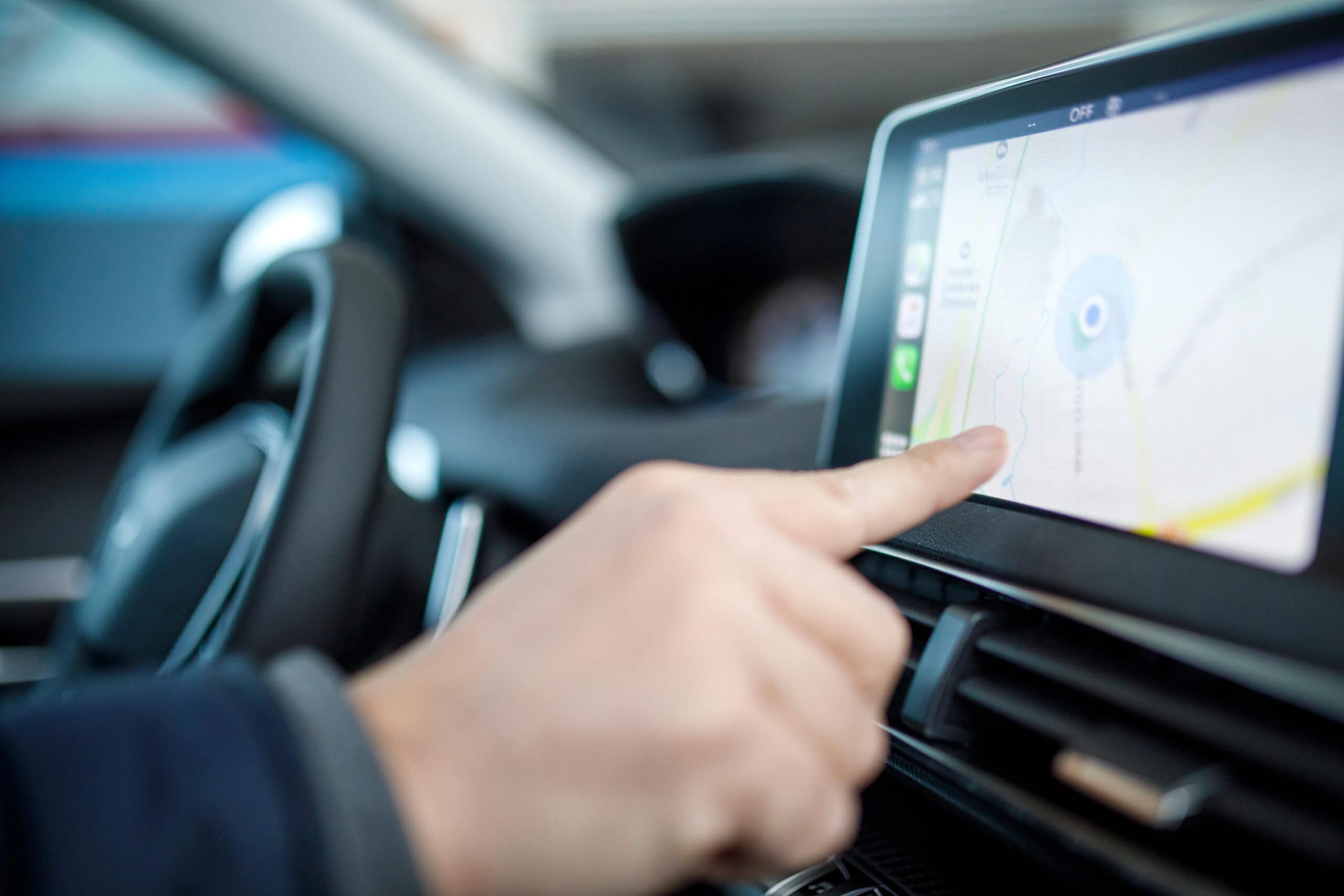
Closeup of a person using the navigation screen of their rental car.

It’s easy to find advice on airport security. Rental cars don’t get the headlines, but they can put an awful lot of your business and personal data at risk.

Remember: modern vehicles are built on computer systems and can suffer similar vulnerabilities. Many automatically sync with smartphones, store contact lists, and remember GPS locations. That convenience can turn into a security problem if you don’t take precautions. Here are tips to keep your information safe when renting a car:

  • Check settings before you drive.
    Disable automatic syncing features that may copy your contacts, call history, or text messages into the car’s system.
  • Avoid using the car’s navigation for sensitive destinations.
    If you must use the nav this way, clear its history before returning the vehicle so the next renter doesn’t know where you’ve been.
  • Use Bluetooth cautiously.
    Pairing your phone lets you stream music and take calls, but it can also store personal data in the car. Consider skipping the connection altogether.
  • Clear all data before returning the car.
    Most infotainment systems have a “delete personal data” or “factory reset” option. Use it!
  • Watch what you plug in.
    USB ports in rental cars sometimes transfer data along with charging power. If possible, use a power-only USB cable.
  • Don’t leave devices behind.
    Tablets, phones, and even flash drives left in the glove box or trunk are easy targets for thieves.
  • Treat wifi hotspots with caution.
    Some rentals offer onboard wifi. Avoid logging into sensitive accounts over these networks, as security may be weak.
  • Bring your own mount.
    Instead of syncing your phone for maps, use a dashboard mount and your own data connection to stay in control of your information.

From a data security standpoint, it’s always safest to only trust the devices you own and keep in your control and to never connect your device to anyone else’s network, especially an unsecured one. These steps will help you ensure you won’t have your data compromised by remaining vigilant and knowing the risks. You can stay up to date on fraud and threats by subscribing to the Money Mill blog.


Related Articles