

Top Security Tips: Don’t Fall for a Fake Delivery Text
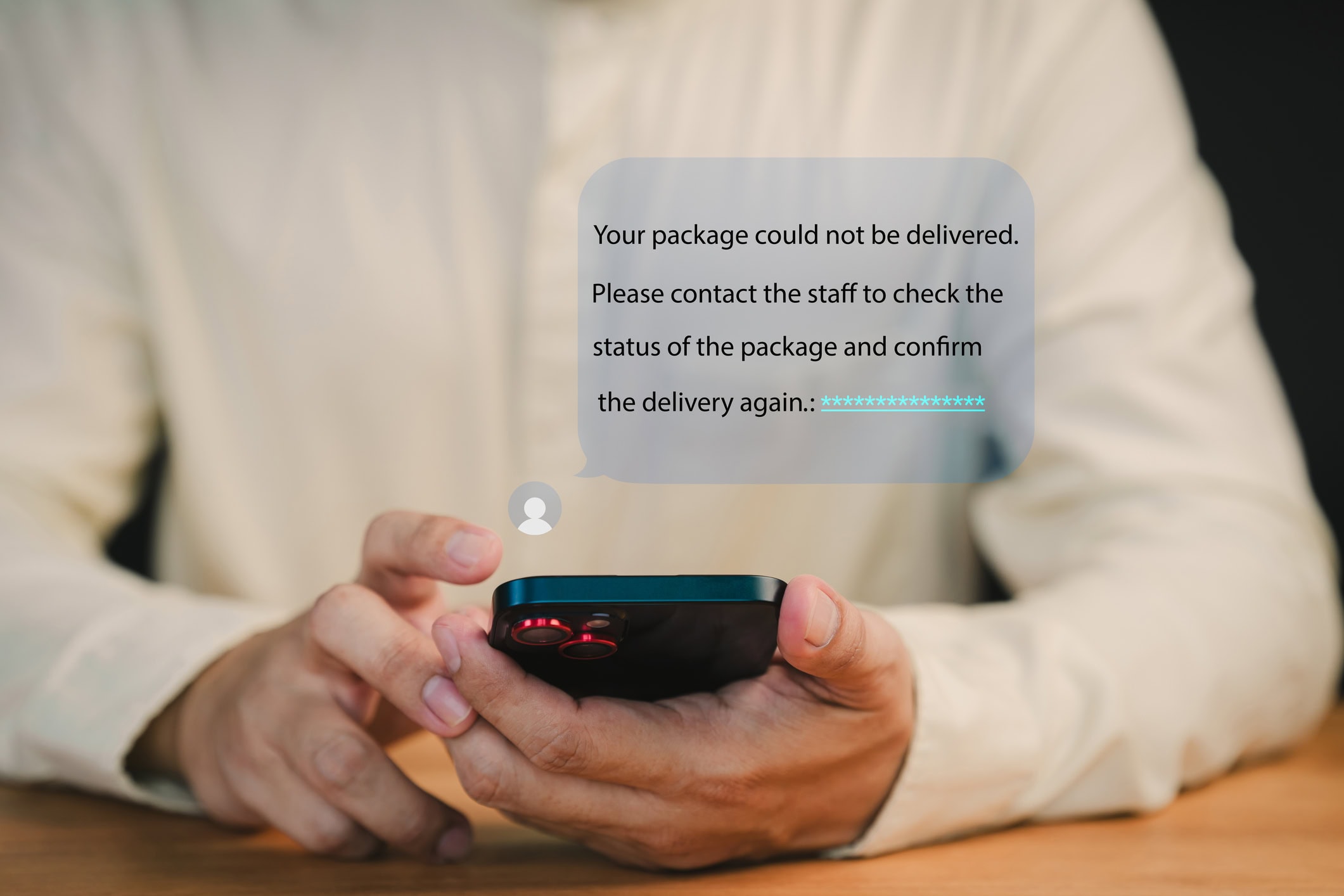
That “your package couldn’t be delivered” text arrives just when you’re expecting boatloads of holiday packages, which is exactly the point.
Scammers send these messages by the millions, knowing nearly everyone is waiting on something. Tap the link and you land on a convincing fake page that collects your card number, passwords, or personal details. Here are tips from the pros to reduce your risk:
- Don’t tap the link. Even a quick look at a fake page can be risky. If you’re unsure, ignore the text entirely.
- Ask yourself if you’re expecting a package. If you haven’t ordered anything or can’t match it to a purchase, that’s a red flag.
- Check the sender. Real carriers rarely text from a random personal-looking number or a strange email address.
- Beware of small fees. Legitimate carriers don’t ask for a “redelivery fee” by text. Scammers keep these amounts low so you won’t think twice.
- Watch for pressure and typos. Phrases like “act immediately” or “final notice,” along with odd spelling and grammar, signal a scam.
- Go straight to the source. Open the carrier’s official app, or type its website address yourself. Use the tracking number from your order confirmation to see the real status.
- Never reply, even with “STOP.” Responding tells scammers your number is active, which can bring even more messages.
- Turn on delivery notifications. Retailers and carriers offer tracking updates through their official apps.
- Act fast if you clicked. Change any password you entered and call your bank or card issuer. Tell your employer’s IT team if you were using a work device.
- Report and delete. Forward the text to 7726 (SPAM), a free reporting service, then delete it.